Individuals engaged in research often face the challenge of managing multiple sources and tools. A recent transition to a streamlined system using Perplexity and NotebookLM has significantly improved the efficiency of this process. The new setup aims to reduce distractions and enhance focus, particularly for those involved in design studies or similar fields where curated materials are commonly available.
Optimizing the Research Process
The need for an organized research system becomes apparent during intensive projects. Previously, the researcher dealt with as many as 50 open tabs and notes scattered across various platforms. The goal was to consolidate these into a manageable workflow that could accelerate the research process. The combination of Perplexity, NotebookLM, and Windows Notepad emerged as the preferred solution, despite the absence of official integrations among them.
Although Perplexity offers a robust API platform, NotebookLM does not currently have a public one. The researcher relies on Google Drive to sync materials. By exporting content from Perplexity into a dedicated Drive folder, it becomes accessible for further analysis within NotebookLM.
Using Perplexity Effectively
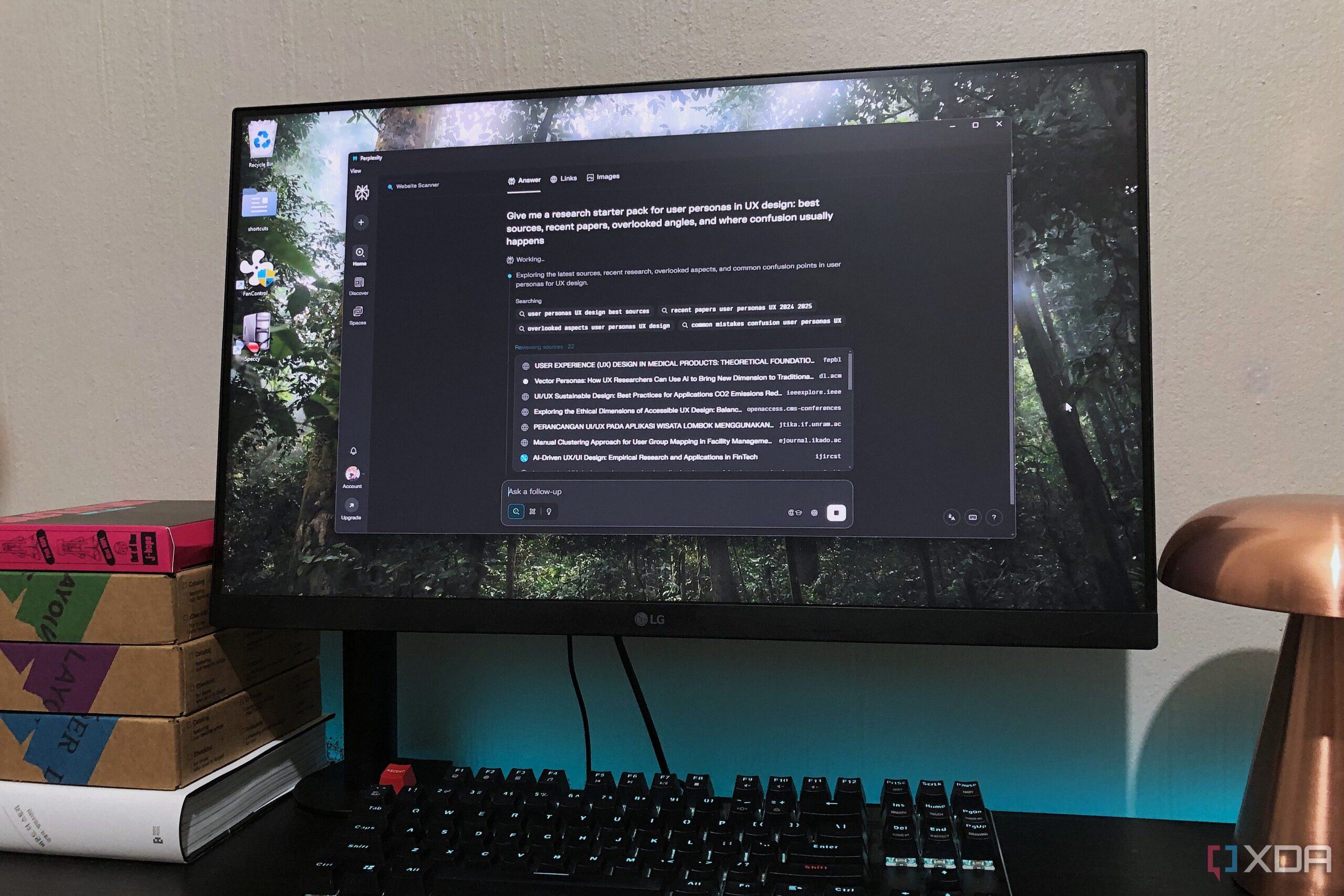
The initial step in this research workflow is utilizing Perplexity to gather information. This tool provides context-aware searches, allowing users to pull from official sources and cross-check claims effectively. To maximize its potential, users are encouraged to craft precise prompts, which can help in generating focused results. Suggested prompts include requests for summaries of core arguments and research starter packs, including citations.
After obtaining the necessary information, the researcher exports the findings to Google Drive. The process is straightforward: using the three-dot menu in Perplexity, users can export their threads as either Markdown or PDF documents. To incorporate relevant weblinks into NotebookLM, the researcher uses the NotebookLM Web Importer extension, streamlining information transfer.
The next phase involves summarizing and extracting key points in NotebookLM. Dedicated notebooks are created for each research topic, enabling the researcher to visualize the material through mind maps. This method not only aids in understanding but also allows for the creation of digestible overviews that clarify complex information.
Finally, the integration of a local text stack, specifically Windows Notepad, allows for offline note-taking. By copying essential information from NotebookLM into Notepad, the researcher can expand on ideas and keep backups of critical documents. This approach fosters a more tangible learning experience, as printed materials can also be utilized.
In summary, while the research process inherently requires effort, the combination of Perplexity and NotebookLM simplifies the journey. This newly established system not only enhances focus but also promotes a more structured approach to research, making it manageable and efficient.